
Creating a family tech plan helps you set clear rules around passwords, privacy, and safety. You should establish strong password habits, review app permissions regularly, and teach your kids about online privacy and responsible behavior. Use device controls and privacy settings to protect personal information and limit inappropriate content. Clear guidelines foster responsible digital habits. If you keep exploring, you’ll discover practical ways to keep your family safe while enjoying the benefits of technology.
Key Takeaways
- Establish and enforce screen time limits with device controls to balance online and offline activities.
- Regularly review and update app permissions to protect sensitive data and privacy.
- Teach children not to share personal information and set privacy settings on social media platforms.
- Create clear rules for responsible device use and online behavior to foster safe digital habits.
- Educate about online risks, promote open communication, and use parental controls to monitor content.
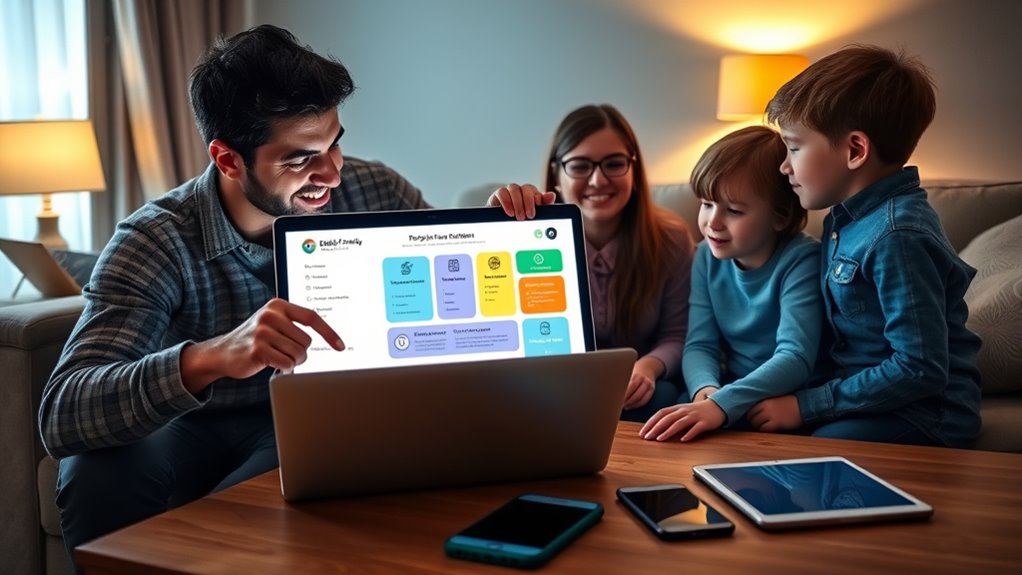
Creating a family tech plan is essential to guarantee everyone uses devices responsibly and safely. As a parent, you want to ensure your kids develop healthy digital habits, and that means setting clear boundaries around screen time and app permissions. You can’t just hand over devices and hope for the best — instead, establish guidelines that help your family navigate the digital world confidently.
Creating a family tech plan ensures responsible, safe device use and healthy digital habits for kids.
Start by defining how much screen time is appropriate for each age group. Younger children need limited, supervised access, while older kids might have more flexibility but still require boundaries. Use timers or built-in device controls to enforce these limits, so your children learn to balance online activities with offline ones. Remember, screen time isn’t just about quantity; quality matters too. Encourage engaging, educational, or creative apps, and make sure your kids understand when and how they should use their devices. Having clear rules helps them develop self-discipline and prevents excessive or unproductive screen use, which can lead to issues like eye strain or disrupted sleep.
Another critical aspect of your tech plan involves app permissions. Kids often click “Allow” without understanding what permissions they’re granting, which can expose them to privacy risks. Sit down with your children and review app permissions before they install new apps. Explain why access to the camera, microphone, location, or contacts matters, and set boundaries for what’s acceptable. For example, you might restrict apps from accessing location data unless necessary for the app’s function. Regularly check app permissions on all devices to ensure nothing has changed without your knowledge. This proactive approach helps protect your family’s privacy and prevents apps from collecting unnecessary data.
In addition to screen time and app permissions, your plan should include rules for privacy and online safety. Teach your children about not sharing personal information like their full name, address, or school details online. Encourage them to think critically about what they post and who can see it. Make it clear that anything shared digitally can be permanent and potentially harmful if it falls into the wrong hands. Setting up privacy settings on social media accounts and parental controls on devices adds extra layers of security. Moreover, understanding best dog surgery insurance options can also be part of your family’s safety planning, ensuring your pets are protected in emergencies.

InnoGear Aromatherapy Diffuser & 10 Essential Oils Set, 400ml Diffuser Ultrasonic Diffuser Cool Mist Humidifier with 4 Timers 7 Colors Light Waterless Auto Off for Valentine's Gift, Dark Wood Grain
Reminder: To ensure proper mist function, please do not refill under tap (use measuring cup only to prevent...
As an affiliate, we earn on qualifying purchases.
Frequently Asked Questions
How Often Should Family Passwords Be Changed?
You should update your family passwords at least every three to six months to maintain a strong security renewal schedule. Regular password updates help prevent unauthorized access and protect your private information. Encourage family members to change passwords more frequently if there’s a suspected breach or if they share passwords across multiple accounts. Staying consistent with your password update frequency keeps your family’s digital safety a top priority and reduces potential risks.
What Are Signs of Online Privacy Breaches in Teens?
You should watch for signs of online privacy breaches in teens like sudden spikes in cyberbullying indicators or suspicious account activity. If your teen’s social media activity changes unexpectedly, they seem anxious or secretive about their devices, or their accounts often get hacked or locked, these might signal privacy breaches. Stay alert to these clues, and have open conversations about online safety to help protect their digital life.
How Can Parents Monitor Safe App Downloads?
You can monitor safe app downloads by checking app permissions and setting up parental controls. Review the permissions each app requests to guarantee they don’t access unnecessary data or features. Use built-in parental controls to restrict downloads, approve apps before your teen installs them, and monitor their activity. Regularly discuss safe app usage, emphasizing the importance of privacy and security to help your teen make informed choices.
What Are Recommended Privacy Settings for Social Media?
You should set privacy controls on social media to limit who can see your posts and personal information. Enable account security features like two-factor authentication and review privacy settings regularly. Make sure your profile is private, restrict access to your contact info, and control who can comment or message. These steps help protect your privacy and keep your account secure from unauthorized access or misuse.
How to Educate Children About Online Safety Effectively?
You should teach children about online safety by fostering digital literacy and open communication. Explain the importance of protecting personal information and recognizing cyberbullying signs. Use real-life examples and encourage questions to build their understanding. Regularly discuss online behavior, set clear rules, and promote empathy. By actively involving them in conversations about digital safety, you’ll empower your kids to navigate the internet responsibly and prevent cyberbullying effectively.

Waterless Essential Oil Diffuser 5000 Sq.Ft Coverage for Large Home, Hotel, or Office, 200ml Cold Air Scent Diffuser Machine with Bluetooth App Control, Quiet No-Heat HVAC Fragrance Diffuser
Waterless Cold-Air Diffusion – Solves Humidity & Impure Scents. traditional diffuser add moisture or dilute fragrance. This waterless...
As an affiliate, we earn on qualifying purchases.
Conclusion
By creating a family tech plan, you’re building a sturdy shield around your loved ones, protecting their digital world like a knight guards a castle. Remember to keep passwords strong, respect privacy, and stay involved in their online activities. Think of this plan as a roadmap guiding everyone safely through the digital landscape. With your proactive approach, you’ll turn technology into a tool for connection, not a maze of potential dangers. Your family’s safety starts with your plan.

Waterless Diffuser, 1000 Sq.Ft Coverage, Essential Oil Diffuser– Plug-in Only, Remote Control, Adjustable Mist Mode, Mood Lights Aromatherapy Diffuser for Home, Large Room, Office, Hotel, Black
【Pure Waterless Diffusion– Plug-In Only】Experience a refined way to scent your space with waterless cold-air diffusion. This advanced...
As an affiliate, we earn on qualifying purchases.

MANSNIX Smart Motorized Blinds with Remote Control, Blackout Roller Shades, Custom Smart Blinds with Valance, Cordless Electric Window Blinds & Automatic Shades(Grey,34" Wx72 H)
🔊【"Alexa,Turn Off The Blinds In The Study"】Easily control shades with a press,tap on your mobile device automatically,or even...
As an affiliate, we earn on qualifying purchases.