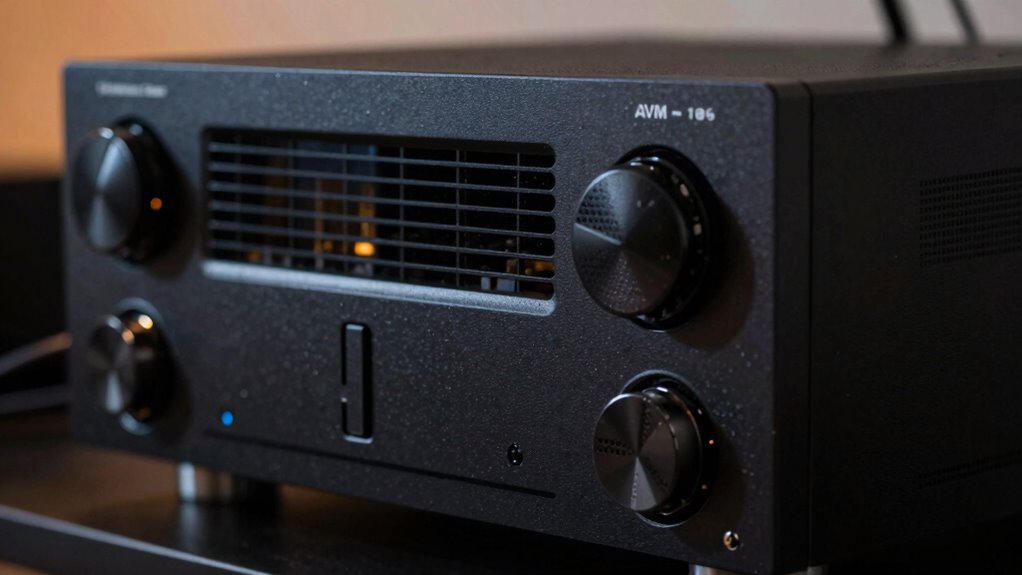

Many people overlook proper ventilation for their AV receivers, but heat buildup can cause overheating, damage components, and shorten their lifespan. To keep your receiver running smoothly, make sure it’s placed in a well-ventilated area, avoid stacking equipment, and maintain clear airflow pathways. Regularly clean cooling fans and monitor internal temperatures. If you want to discover more tips for effective heat management and protect your investment, there’s valuable information ahead.
Key Takeaways
- Proper ventilation prevents overheating, extends the receiver’s lifespan, and maintains optimal performance.
- Cooling fans act as internal lungs, actively removing heat and protecting sensitive components.
- Inadequate airflow pathways cause heat buildup, recirculation, and reduced cooling efficiency.
- Positioning AV receivers in well-ventilated areas and avoiding tight stacking enhances heat dissipation.
- Regular temperature monitoring and maintenance help identify overheating issues before damage occurs.
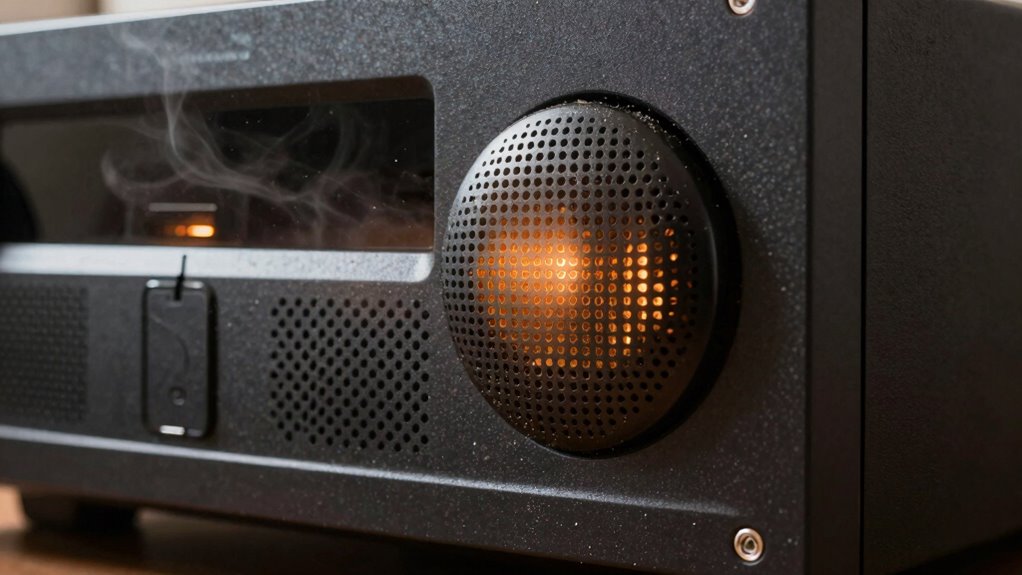
Ever wondered why proper ventilation is vital for your AV receiver? It’s because these devices generate a lot of heat during operation, and if that heat isn’t managed properly, it can impact performance and longevity. Many people overlook this critical aspect, assuming the device will stay cool on its own, but the reality is that without effective ventilation, your receiver could overheat, leading to shutdowns or even damage. That’s where cooling fans and well-designed airflow pathways come into play. These features help dissipate heat quickly, guaranteeing your receiver runs smoothly and stays reliable over time.
Proper ventilation prevents overheating, extending your AV receiver’s lifespan and ensuring optimal performance.
Cooling fans are a simple yet effective solution. When your AV receiver operates, internal components like amplifiers and processors produce heat. Cooling fans actively draw in cooler air from outside and push warm air out, creating a steady airflow that prevents internal temperatures from climbing too high. You can think of these fans as the lungs of your receiver—they keep the internal environment fresh and balanced. Proper installation and maintenance of cooling fans are vital. If they become clogged with dust or stop functioning, airflow pathways become obstructed, and heat can build up rapidly. Regularly cleaning or replacing fans ensures that airflow pathways remain clear, maximizing cooling efficiency. Additionally, choosing the right size and type of fan for your setup can further optimize heat dissipation.
Airflow pathways are equally important. They refer to the physical routes through which air moves within the device or the surrounding enclosure. Poorly designed pathways can cause hot air to stagnate or recirculate, trapping heat inside your AV receiver. To prevent this, you should position your device in a well-ventilated area, away from heat sources, and avoid stacking equipment too tightly. Ensuring there’s enough space around the receiver allows fresh air to circulate freely, and hot air to escape. Some AV setups include dedicated ventilation shelves or enclosures with built-in airflow channels, which help guide heat away from sensitive components. Additionally, understanding heat dissipation and how it affects electronic components can help you optimize your setup for better performance. Proper ventilation practices are essential for maintaining consistent operation and preventing damage from overheating. Employing temperature monitoring tools can help you keep track of internal conditions and make adjustments proactively. Being aware of thermal management techniques and implementing them effectively can further improve your system’s longevity and reliability. Taking these precautions can significantly reduce the risk of overheating, safeguarding your investment.

AC Infinity AIRCOM S7, Quiet Cooling Fan System 12" Top-Exhaust for Receivers, Amps, DVR, AV Cabinet Components
- Quiet Cooling Fan System: Designed for AV components
- Overheat Protection: Prevents damage and performance issues
- Customizable Settings: Includes thermal modes and speed controls
As an affiliate, we earn on qualifying purchases.
As an affiliate, we earn on qualifying purchases.
Frequently Asked Questions
How Often Should I Clean My AV Receiver’s Vents?
You should clean your AV receiver’s vents every three to six months, depending on your environment. Dust buildup can block airflow, causing overheating. Regular cleaning prevents airflow obstruction, ensuring your receiver stays cool and functions efficiently. Use a soft brush or compressed air to gently remove dust from the vents. If you notice increased heat or noise, clean the vents sooner to maintain peak performance and prolong your receiver’s lifespan.
Can Placement Near Windows Affect Ventilation Efficiency?
Yes, placement near windows can affect your AV receiver’s ventilation efficiency. Sunlight and heat from windows increase internal temperatures, reducing cooling efficiency. To maximize airflow, keep your receiver away from direct sunlight and windows, ensuring good space around vents for proper heat dissipation. Proper placement helps maintain ideal performance and prevents overheating, so consider window placement carefully when setting up your AV receiver to avoid unnecessary heat buildup.
What Signs Indicate My AV Receiver Is Overheating?
You’ll notice your AV receiver overheating if it shuts down unexpectedly, emits a burning smell, or if the fan runs constantly. Check your fan placement and ventilation design; poor airflow can cause heat buildup. Make sure vents aren’t blocked and consider adding extra fans or improving ventilation around your receiver. Keeping the area cool helps prevent overheating, extending your device’s lifespan and maintaining peak performance.
Are There Specific Fans Recommended for AV Receiver Cooling?
Yes, specific fans are recommended for AV receiver cooling. You should look for low-noise fan types like axial or centrifugal fans designed for electronics cooling. Cooling accessories such as fan filters and adjustable speed controllers can also help. These fans efficiently move air to prevent overheating, ensuring your receiver runs smoothly. Always choose fans compatible with your receiver’s size and ventilation needs, and install them properly for best airflow.
How Does Ambient Room Temperature Impact Heat Dissipation?
You’ll find that ambient room temperature greatly impacts heat dissipation in your AV receiver. Higher room temperatures reduce thermal conductivity, making it harder for heat to escape. Good air circulation helps, but if your room’s too warm, your receiver struggles to stay cool. To prevent overheating, keep the room cooler, make sure proper ventilation is in place, and allow air to circulate freely around your device, optimizing its thermal management.
Conclusion
To keep your AV receiver running smoothly, don’t overlook proper ventilation. Overheating can sneak up on you, leading to performance issues or even damage. Make sure your setup allows for good airflow and consider additional cooling if needed. Remember, a stitch in time saves nine—addressing ventilation now can save you from costly repairs later. Keep your equipment cool and your entertainment seamless; it’s better to be safe than sorry.