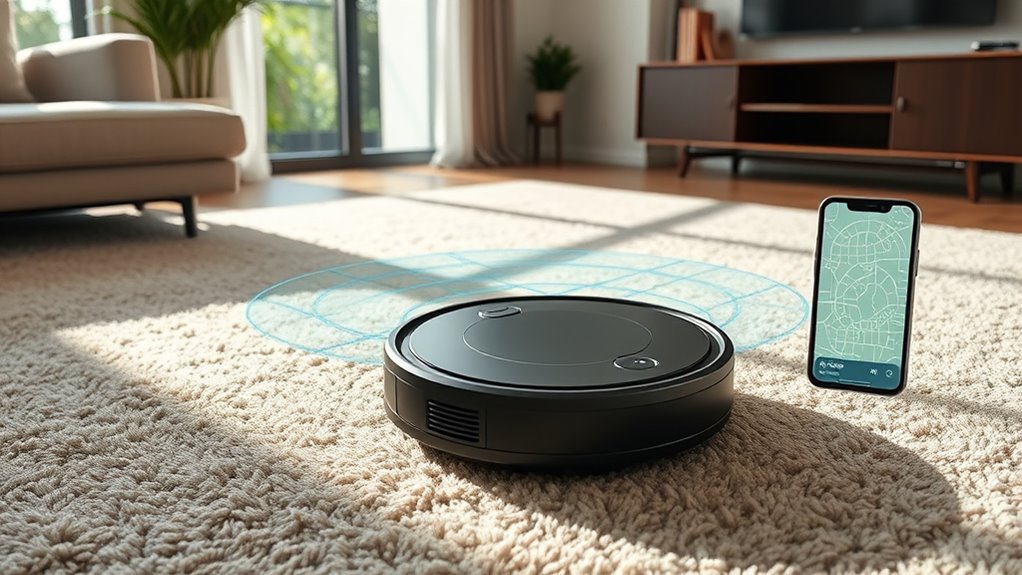

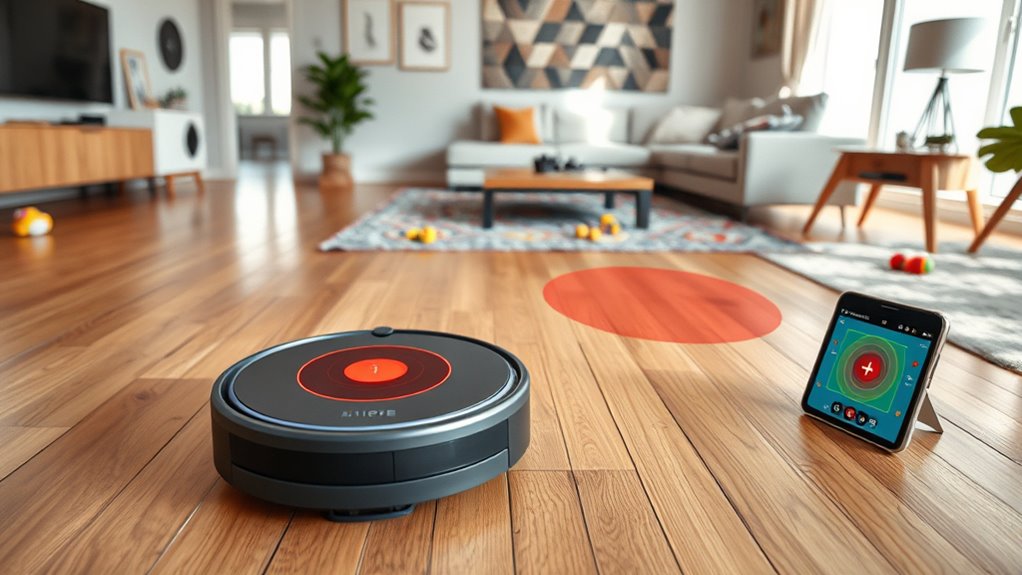
To set up your robot vacuum, start by mapping your home with the app and defining cleaning zones. You can create no-go zones to avoid areas like pet bowls or delicate furniture. Schedule cleaning times and customize settings for different rooms to boost efficiency. Regularly update and monitor your device to guarantee peak performance. If you want to learn more about maximizing your robot’s capabilities, keep exploring how to fine-tune its navigation and zones.
Key Takeaways
- Proper setup involves placing the charging station in an accessible, open area for optimal navigation and docking.
- Mapping features allow the robot to create a floor plan, improving cleaning efficiency and route planning.
- No-go zones can be designated via app or physical barriers to prevent the robot from entering certain areas.
- Regularly update the device firmware and mapping data to maintain accurate navigation and zone recognition.
- Use smart controls to customize cleaning schedules, zones, and no-go zones for tailored, efficient cleaning sessions.
Have you ever wondered how robot vacuums have revolutionized home cleaning? These sleek devices take the hassle out of maintaining tidy floors, but understanding their setup and operation can help you get the most out of them. One critical aspect to consider is battery life. Most robot vacuums are designed to run for around 60 to 120 minutes on a single charge, depending on the model and cleaning mode. If your home has a lot of square footage or stubborn dirt, you might find that the vacuum needs to recharge mid-clean. Luckily, many models feature automatic docking and recharging, meaning they’ll return to their charging station when the battery runs low and resume cleaning once recharged. This smart feature guarantees your floors stay consistently clean without manual intervention.
Setting up your robot vacuum’s cleaning schedule is another essential step to maximize efficiency. With most models, you can program specific days and times for the vacuum to operate, allowing you to automate your cleaning routine. Whether you want it to run daily or a few times a week, creating a schedule guarantees your floors stay tidy without you having to think about it constantly. Many devices even let you customize cleaning modes, so you can opt for a quick pass or a deep clean based on your needs. By syncing your vacuum to a smartphone app, you gain full control over these schedules, making it easy to adjust them on the fly. This setup is especially handy if your routine varies, or if you want to coordinate cleaning around your busy schedule. Properly managing your vacuum’s battery life and cleaning schedules can also extend your device’s lifespan. Regularly cleaning the brushes and filters helps maintain peak performance, reducing strain on the battery. Additionally, setting a predictable schedule helps the vacuum operate more efficiently, as it can plan its routes better and avoid unnecessary power drain. Keeping an eye on navigation technology and how your device manages its route can lead to more effective cleaning sessions. If you notice that your vacuum isn’t holding a charge as long as it used to, it might be time to replace the battery or consult the manufacturer’s guidelines for troubleshooting. When you leverage these features wisely, you’ll enjoy cleaner floors, less manual effort, and a longer-lasting device.
Frequently Asked Questions
How Often Should I Replace the Filters in My Robot Vacuum?
Think of your robot vacuum’s filters as your car’s air filter — they need regular attention. You should replace your filters every 2 to 3 months, depending on usage and dust levels. Regular filter maintenance keeps your vacuum performing at its best. Follow the replacement schedule in your user manual, and don’t forget to check filters often to guarantee your device stays efficient and clean.
Can Robot Vacuums Be Used on Carpets With Deep Pile?
Yes, robot vacuums can handle deep pile carpets, but their effectiveness depends on the model’s carpet compatibility. Look for vacuums with strong suction power and brushes designed for deep fibers. Regularly clean the brushes and filters to maintain performance. Keep in mind that some models might struggle with very thick or plush carpets, so check the manufacturer’s specifications to make sure your chosen robot vacuum is suitable for deep pile carpets.
Are There Robot Vacuums Suitable for Pet Hair Removal?
Yes, many robot vacuums are great for pet hair cleaning. Look for models with strong suction and specialized vacuum attachments designed for pet hair. These vacuums often have brushes that lift hair from carpets and hard floors. Regularly empty the dustbin and maintain the brushes to keep your robot performing well. Investing in a pet-friendly model guarantees efficient cleaning and keeps your home hair-free.
How Do I Update the Firmware of My Robot Vacuum?
To update your robot vacuum’s firmware, first check the manufacturer’s app for software updates. Connect your device to Wi-Fi, then follow the prompts to download and install the latest firmware. Make sure your vacuum’s firmware is compatible with your model to avoid issues. Regular updates improve performance and fix bugs, so keep an eye out for new software releases to ensure your vacuum runs smoothly and efficiently.
What Is the Average Battery Lifespan of a Robot Vacuum?
Battery busting, buddy! On average, your robot vacuum’s battery lasts about 1 to 2 years, depending on usage and maintenance. To maximize your machine’s lifespan, practice proper battery maintenance—like regular charging and avoiding deep discharges—and keep it clean. By tending to your vacuum’s power pack, you’ll prolong its playful performance, ensuring cleaning continues smoothly and efficiently without frequent replacements or repairs.
Conclusion
Now that you’ve explored the ins and outs of robot vacuums, you’ll find it easier to create a harmonious cleaning routine. With a little setup and thoughtful planning, these devices can gently tend to your home, gently sidestepping the areas you prefer to keep private. Embrace the convenience they offer, knowing you’re in control of where they go. Soon, your space will feel effortlessly cleaner, all while you enjoy a little more free time.