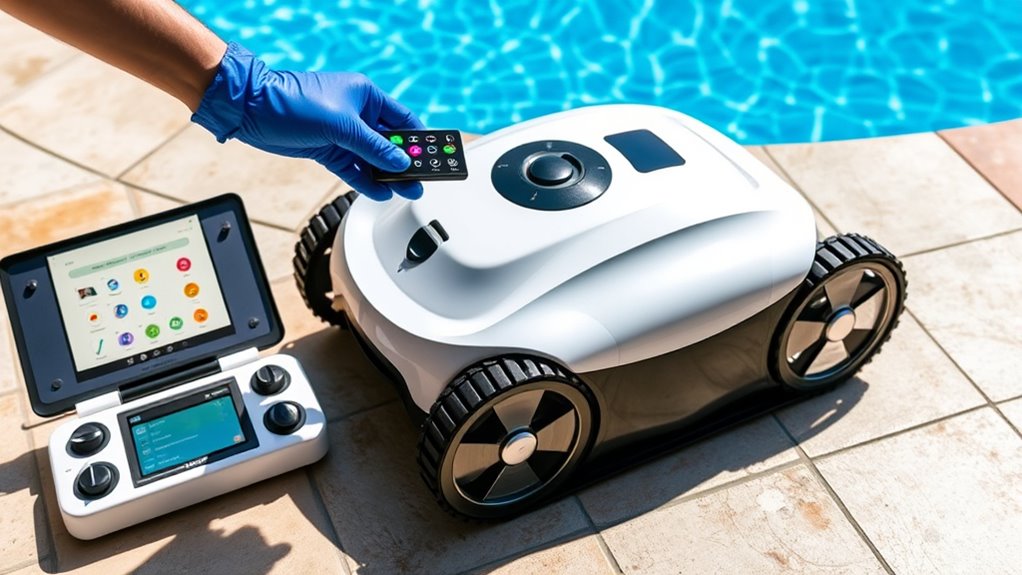

To set up your new robotic pool cleaner, connect the power cord firmly to a GFCI outlet close to the pool while avoiding extension cords. Turn on the device and verify its navigation system activates correctly. Adjust settings or modes based on your pool’s size and shape, using the remote or app if available. Keep the cord managed and secure, and check for proper functioning. If you want to learn detailed steps and tips, continue exploring the setup and programming process.

Get the little things that make your day delivered free with Prime
- Fast, free delivery on millions of items
- Prime Video, Amazon Music and more included
- Member-only deals all year
Key Takeaways
- Connect the cleaner’s cable securely to the device and ensure the power outlet is GFCI-protected and close to the pool area.
- Turn on the cleaner and verify navigation features activate correctly during startup.
- Use the remote or app to set cleaning schedules, modes, and customize zones for targeted coverage.
- Adjust navigation settings based on pool size and shape for optimal cleaning efficiency.
- Regularly inspect the power supply, manage the cord to prevent tangling, and fine-tune settings as needed.

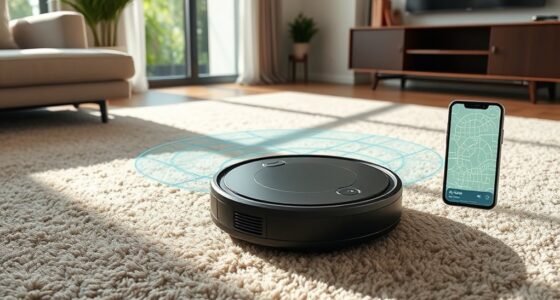
Setting up your robotic pool cleaner is a straightforward process that guarantees it operates efficiently and effectively. The first step involves understanding the device’s navigation features, which are essential for ideal cleaning performance. Modern robotic pool cleaners come equipped with advanced navigation systems, such as algorithms that map out your pool’s layout, sensors that detect obstacles, and sometimes gyroscopes or accelerometers that help the cleaner maneuver precisely. Before you start, familiarize yourself with these features, as they determine how well the cleaner will cover every inch of your pool. Adjust any settings or modes according to your pool’s size and shape to ensure thorough coverage. Many models allow you to customize cleaning patterns or set specific zones, so take advantage of these options to maximize efficiency. Additionally, understanding the navigation features can help you troubleshoot issues and optimize cleaning cycles for better results.
Next, pay close attention to power supply considerations. Your robotic pool cleaner relies on a power cord connected to a dedicated outlet, and ensuring safety and uninterrupted operation is key. Check that the power supply is compatible with your device’s requirements, often indicated on the charger or user manual. Avoid using extension cords, as they can pose safety risks or cause voltage drops that impair the cleaner’s performance. Instead, position the power outlet close to the pool area, ideally on a GFCI (Ground Fault Circuit Interrupter) protected circuit to prevent electrical hazards. Secure the power cord along the pool deck to prevent tripping or accidental disconnection. Many robotic cleaners come with a cord management system—use it to keep the cord tidy and avoid tangling, which could hinder navigation or damage the device.
Once the power supply setup is complete, attach the cleaner’s cable to the unit as instructed, ensuring it’s firmly connected. Turn on the power, and observe the initial startup to confirm that the navigation system kicks in correctly. If your model has a remote or smartphone app, use it to check the navigation features, set cleaning schedules, or adjust settings for better coverage. Regularly inspect the power supply area for wear or damage, and keep the cord away from pool jets or other equipment that might snag or disrupt the cable. By paying attention to navigation features and power supply considerations during setup, you set the foundation for your robotic pool cleaner to perform its best, keeping your pool clean with minimal effort on your part.
Frequently Asked Questions
How Do I Connect My Robotic Cleaner to Wi-Fi?
To connect your robotic cleaner to Wi-Fi, start with the Wi-Fi setup process on your device. Make sure your robot is powered on and in pairing mode. Download the app recommended by the manufacturer for app integration. Open the app, follow prompts to connect to your home’s Wi-Fi network, and sync your cleaner. This way, you can control and monitor your pool cleaner remotely for a seamless cleaning experience.
What Is the Recommended Cleaning Schedule for My Pool?
You should clean your pool regularly to keep it safe and inviting. A good schedule is running your robotic cleaner 2-3 times a week, especially after heavy use or storms. Remember to maintain proper pool chemical balancing to prevent algae and bacteria growth. Follow pool safety tips by checking equipment often and ensuring your robotic cleaner is functioning correctly. This routine keeps your pool sparkling and safe for everyone.
How Do I Troubleshoot Connectivity Issues?
If you’re facing connectivity issues, start by checking for wireless interference from other devices like Wi-Fi routers or Bluetooth gadgets nearby. Make certain your robotic pool cleaner is within its signal range, ideally close to the controller or power source. Try repositioning your router or removing potential interference. Reset the device if necessary, and keep firmware updated to maintain a strong, stable connection.
Can I Program the Cleaner to Avoid Specific Pool Areas?
Ever wonder if you can customize your cleaner’s route? Yes, you can manually program your robotic pool cleaner to avoid specific areas through area exclusion features. Check your model’s manual programming options, usually accessible via the app or control panel, to designate zones you want skipped. This way, you save time and energy, ensuring the cleaner focuses only on the parts of your pool you care about most.
How Often Should I Replace the Filter or Brushes?
You should replace the filters and brushes regularly to keep your robotic pool cleaner running smoothly. For filter maintenance, check and clean the filters weekly, replacing them every few months or when they’re visibly dirty. Brush replacement depends on wear; inspect brushes monthly and replace them every 6 to 12 months. Doing so ensures peak cleaning performance and prolongs your device’s lifespan.
Conclusion
Now that you’ve set up and programmed your robotic pool cleaner, you’re ready to enjoy a spotless, hassle-free swim. Just imagine how much easier pool maintenance will be with your new gadget doing the work for you. Isn’t it worth taking a few minutes to get everything just right? With your cleaner ready to go, you’ll be spending less time cleaning and more time relaxing. Plunge in and enjoy the crystal-clear waters you’ve created!
Halloween Picks
halloween
As an affiliate, we earn on qualifying purchases.