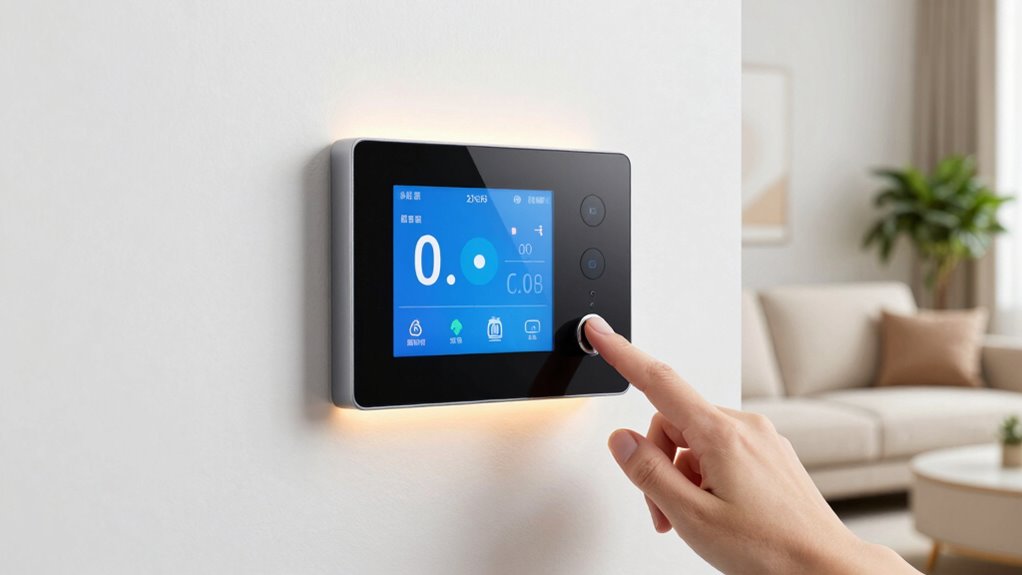

To save energy quickly with your smart thermostat, start by ensuring it’s compatible and properly installed in a central spot away from drafts or heat sources. Connect it to your Wi-Fi and customize daily schedules, lowering temperatures during work hours and raising them when you’re home. Enable advanced features like geofencing and review energy reports to fine-tune your settings. Proper setup and smart adjustments can make a visible difference—keep going to discover even more ways to boost efficiency.
Key Takeaways
- Properly place the thermostat in a central, draft-free location for accurate temperature readings.
- Enable scheduling features to automatically lower or raise temperatures during specific times.
- Use geofencing to adjust settings based on your presence, saving energy when you’re away.
- Connect to a stable Wi-Fi network and customize settings via the app for optimal control.
- Review energy reports regularly and fine-tune automation for continuous efficiency improvements.
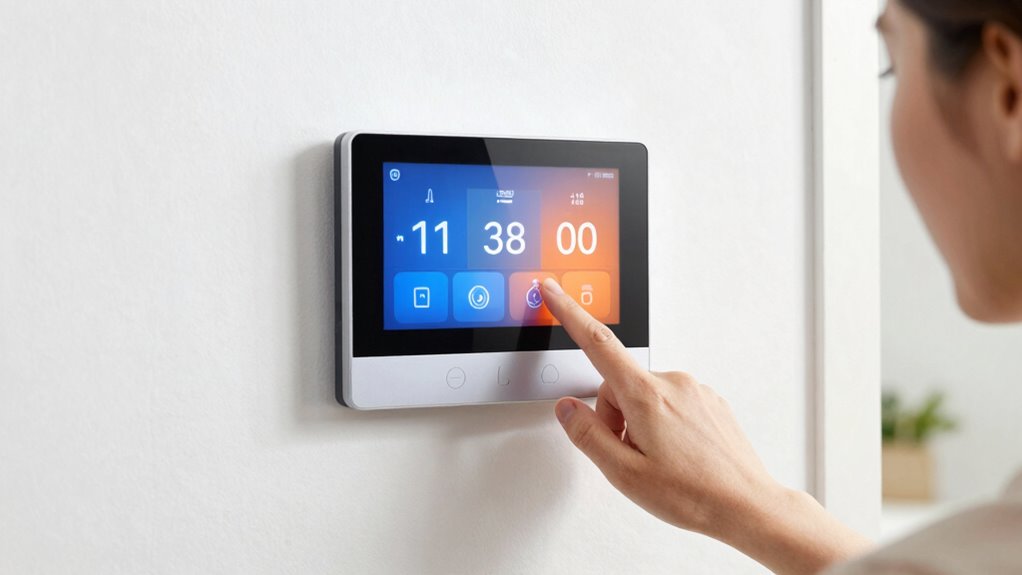
Have you ever wondered how to effortlessly optimize your home’s comfort and energy efficiency? Setting up a smart thermostat is a great place to start. A well-configured smart thermostat can considerably reduce your energy bills while keeping your home cozy. To achieve this, you’ll want to focus on energy saving tips and installation best practices that make a real difference. First, verify your thermostat is compatible with your heating and cooling systems. Reading the manufacturer’s instructions carefully helps you avoid common setup pitfalls and guarantees the device functions correctly. Proper installation is essential—placing the thermostat in a central location, away from drafts, direct sunlight, or heat sources, guarantees accurate temperature readings, which is vital for efficient operation.
Next, take the time to connect your smart thermostat to your Wi-Fi network properly. A stable connection prevents interruptions that could compromise energy-saving features. Once connected, explore the app or interface to customize your settings. Many smart thermostats have features like geofencing, which detects when you leave or arrive home, automatically adjusting the temperature to save energy when you’re away. Enable these features to optimize your home’s energy use without sacrificing comfort. Setting a schedule based on your daily routine also helps guarantee your home isn’t heated or cooled unnecessarily. For example, program lower temperatures during work hours and higher temperatures when you’re home and active. This way, you’re not wasting energy heating an empty house.
Another key energy saving tip involves utilizing the thermostat’s learning capabilities, if available. These smart devices can adapt to your habits over time, adjusting settings automatically for maximum efficiency. Be sure to review and fine-tune these learned behaviors periodically. Additionally, some thermostats offer energy reports, which provide insights into your energy consumption. Use this information to identify patterns and adjust your settings accordingly, further reducing waste. Incorporating smart home technology can also enhance your energy-saving efforts, creating a more integrated and efficient environment. Recognizing the importance of proper installation practices can make a significant difference in the long-term performance of your device. Moreover, understanding how to properly operate manual controls**** can help you better manage your system’s efficiency and comfort.
Finally, don’t forget to leverage manual controls and integrations with other smart home devices. For instance, linking your thermostat with smart blinds or fans can create a more holistic energy-saving ecosystem. Always follow installation best practices—like securely mounting the device and double-checking connections—to guarantee your setup is both safe and effective. By taking the time to properly install and configure your smart thermostat, you’re setting yourself up for consistent energy savings and a more comfortable home. Small adjustments, guided by these tips, can lead to substantial reductions in your energy use, making your home smarter and greener.

Sensi Lite Smart Thermostat, WiFi, Alexa, DIY, Energy Star Certified, ST25
- Easy DIY Installation: Built-in level and step-by-step instructions
- Compatible with Most HVAC Systems: Requires common wire for heat pump systems
- Energy Savings: Save approximately 23% on HVAC energy
As an affiliate, we earn on qualifying purchases.
As an affiliate, we earn on qualifying purchases.
Frequently Asked Questions
Can I Connect a Smart Thermostat to Multiple Devices Simultaneously?
Yes, you can connect a smart thermostat to multiple devices simultaneously through device pairing. However, you need to manage user permissions carefully to prevent unauthorized changes. Most smart thermostats allow you to control who can access and modify settings, ensuring only trusted users can make adjustments. This way, you maintain control while enabling family members or roommates to connect and use the thermostat conveniently.
How Do I Troubleshoot Connectivity Issues With My Smart Thermostat?
To troubleshoot connectivity issues with your smart thermostat, start by checking its signal strength—ensure it’s within range of your Wi-Fi router. Next, verify if there are any pending firmware updates, as outdated software can cause connection problems. Restart your thermostat and router, then reconnect the device. If issues persist, reset the thermostat’s network settings and confirm your Wi-Fi is stable. These steps help restore smooth communication.
Are Smart Thermostats Compatible With All HVAC Systems?
Did you know over 85% of smart thermostats are compatible with common HVAC systems? Most models are designed for broad compatibility, enhancing energy efficiency and user experience. You should check your HVAC system’s specifications and the thermostat’s compatibility list. The user interface is vital, making it easy to customize settings. If unsure, consult the manufacturer or a professional to make certain your smart thermostat will work seamlessly with your system.
What Is the Average Installation Time for a Smart Thermostat?
On average, installing a smart thermostat takes about 30 minutes to an hour, depending on your HVAC system and your familiarity with the installation process. You’ll improve your home’s energy efficiency quickly by following the setup instructions carefully. During installation, you’ll connect the device to your wiring, configure settings, and sync it with your Wi-Fi. This straightforward process helps you start saving energy fast and efficiently.
How Secure Is My Data With a Smart Thermostat?
Did you know that over 80% of smart thermostat users are concerned about data privacy? Your data is generally secure thanks to data encryption protocols that protect your information from unauthorized access. However, privacy concerns remain, especially if the device isn’t updated regularly or if the manufacturer has weak security measures. To stay safe, enable two-factor authentication and review privacy settings frequently.
Conclusion
Now that you’ve set up your smart thermostat, you’re steering your home’s energy use like a skilled captain directing calm waters. With the right settings, you’ll save energy fast and effortlessly, turning your house into a well-oiled machine. Remember, a few simple adjustments can make a world of difference—like planting seeds for future savings. Keep experimenting and fine-tuning; your energy-efficient journey is just beginning, and each step brings you closer to a smarter, greener home.