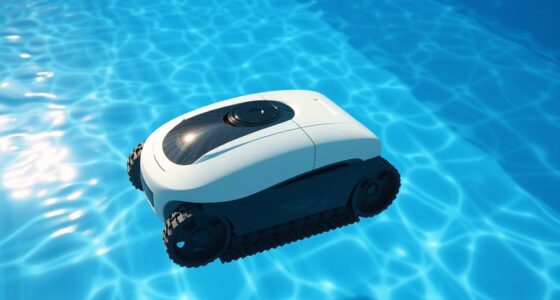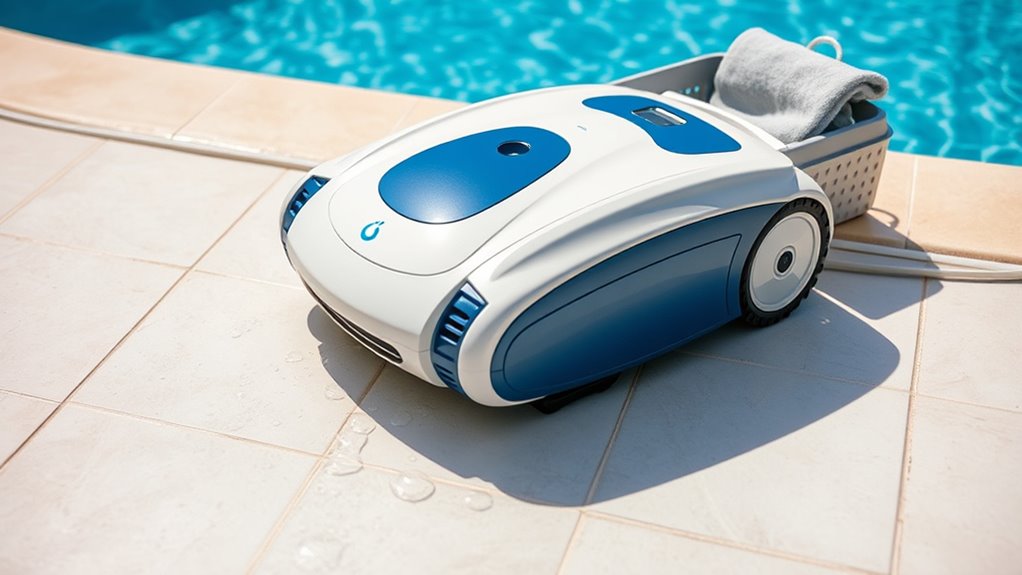

To clean and store your robotic pool cleaner, start by turning it off and removing the filter; rinse it thoroughly with a garden hose and inspect for damage. Clean the entire unit, dry it completely, and store it in a cool, dry place away from sunlight. Check the battery and terminals, disconnect and store separately if needed. Proper maintenance guarantees peak performance and longevity—explore the detailed steps to keep your cleaner in top shape.
Key Takeaways
- Regularly remove and rinse the filter to prevent clogs and maintain optimal suction power.
- Clean the entire unit thoroughly, removing debris and drying completely before storage.
- Store in a cool, dry place away from direct sunlight and harsh chemicals to prevent damage.
- Fully charge the battery before long-term storage, then disconnect and store separately if recommended.
- Follow manufacturer guidelines for maintenance schedules and use recommended parts to ensure longevity.
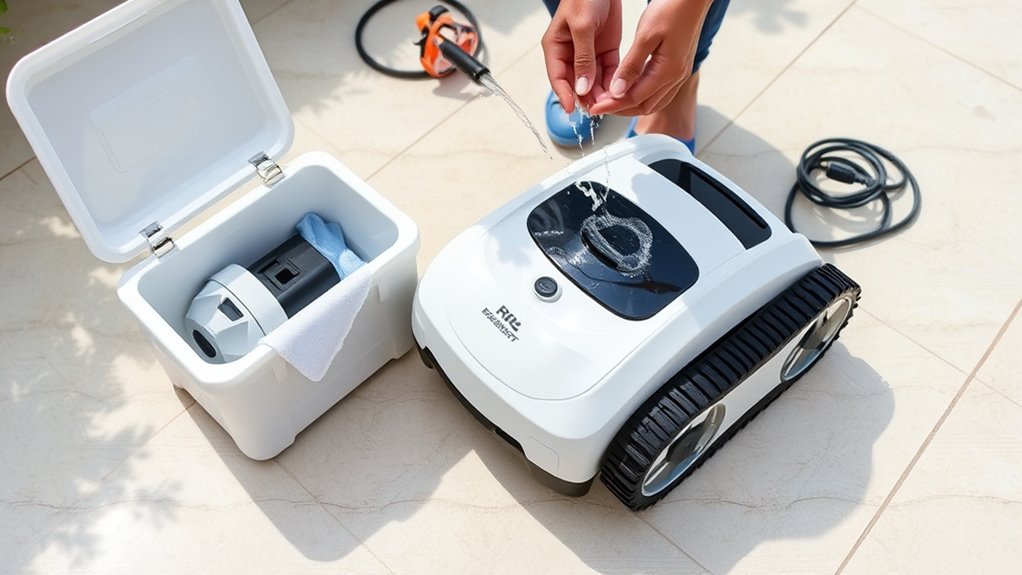
Keeping your robotic pool cleaner in top condition is essential for its performance and longevity. Proper maintenance ensures it works efficiently and lasts for years. One of the most important aspects is filter maintenance. Regularly check and clean the filter to prevent clogs that can hinder the cleaner’s suction power. Remove the filter from the unit, rinse it thoroughly with a garden hose to wash away dirt, debris, and algae, and inspect it for tears or damage. If the filter is worn out or excessively dirty, replace it to maintain ideal cleaning performance. A clean filter not only improves your cleaner’s efficiency but also reduces strain on its motor, extending its lifespan. Additionally, consider the contrast ratio of your pool lighting to optimize the cleaner’s visibility and performance during nighttime use. Proper lighting can help you spot areas that need more thorough cleaning and ensure your cleaner’s sensors are functioning correctly. Regularly checking the manufacturer’s recommendations for your specific model can also help you follow the best maintenance practices.
Battery care is equally critical. Most robotic pool cleaners rely on rechargeable batteries, so you need to handle them with care. After each use, disconnect the cleaner from its charging station and allow the battery to cool down before storing it. Avoid leaving the battery in direct sunlight or in a hot environment, as excessive heat can degrade its capacity over time. When not in use for an extended period, fully charge the battery and then disconnect it from the unit to prevent overcharging or self-discharge. If your cleaner has a removable battery, periodically check its condition for any signs of swelling or corrosion, and replace it if necessary. Proper battery care helps maintain its capacity and ensures your cleaner is ready when you need it. Regularly inspecting the battery terminals for corrosion can also prevent potential issues with connectivity and charging.
When it’s time to store your robotic pool cleaner, clean the entire unit thoroughly. Remove any remaining debris, rinse it with clean water, and dry it completely to prevent mold or corrosion. Store the cleaner in a cool, dry place, away from direct sunlight, extreme temperatures, and harsh chemicals. Keeping it in an upright position or in its original storage bag can help protect it from dust and damage. If the cleaner has a removable battery, store it separately if recommended by the manufacturer, especially if you won’t be using the cleaner for several weeks. Proper storage avoids unnecessary wear and tear, ensuring your device is ready for the next pool season. Taking these precautions can also help preserve the overall condition of your device and improve its resale value if needed.
Frequently Asked Questions
How Often Should I Replace the Robotic Pool Cleaner’s Brushes?
You should replace your robotic pool cleaner’s brushes based on their wear and tear, typically every 6 to 12 months. Regular brush replacement guarantees peak cleaning performance. Keep an eye on the brushes during routine cleaning; if they become cracked, bent, or worn down, it’s time for a replacement. Maintaining proper cleaning frequency and timely brush replacement keeps your cleaner working efficiently and extends its lifespan.
Can I Use Household Cleaners to Clean the Robotic Pool Cleaner?
Imagine your robotic pool cleaner as a trusted ship steering your pool’s waters. Using household cleaners can be tempting, but they often aren’t chemically compatible and could damage the device. Instead, stick to gentle, manufacturer-recommended cleaning solutions. This maintains your cleaner’s durability, ensuring it continues to sail smoothly through your pool. Remember, just like a ship needs proper care, your cleaner thrives on proper, compatible cleaning methods.
What Should I Do if the Cleaner Gets Stuck Underwater?
If your robot gets stuck underwater due to obstacles, first turn it off to prevent damage. Clear away any underwater obstacles like rocks or debris that might be trapping it. Gently lift the stuck cleaner, ensuring you don’t force it, which could cause damage. Once free, inspect for damage and restart it. Regularly check the pool for potential underwater obstacles to prevent future stuck cleaners.
Is It Safe to Leave the Robotic Cleaner in the Pool During Rain?
Leaving your robotic pool cleaner in during rain is like inviting trouble to a pool party—definitely not recommended. For pool safety and to avoid damage, it’s best to remove it during heavy rain or storms. Weather considerations matter because water can damage the electronics or cause electrical hazards. Plus, rain can wash debris into your pool, making cleaning harder later. Always prioritize safety and your cleaner’s longevity.
How Do I Troubleshoot Connectivity Issues With the Robotic Cleaner?
When troubleshooting connectivity issues with your robotic pool cleaner, first check the wireless connectivity. Make certain your Wi-Fi signal is strong and the router is close enough. Look out for signal interference from other electronic devices or thick pool walls, which can weaken the connection. Try resetting the cleaner and reconnecting it to your network. Moving your router or removing obstacles can also improve wireless connectivity, making your cleaner work smoothly again.
Conclusion
With a little care, your robotic pool cleaner will continue to dance gracefully through your pool, quietly doing its job. Think of it as giving a gentle hug after a long day, ensuring it’s refreshed and ready for its next performance. When you clean and store it properly, you’re nurturing a reliable partner that keeps your oasis sparkling. A well-loved helper like this will keep your swim moments smooth and worry-free for many seasons to come.