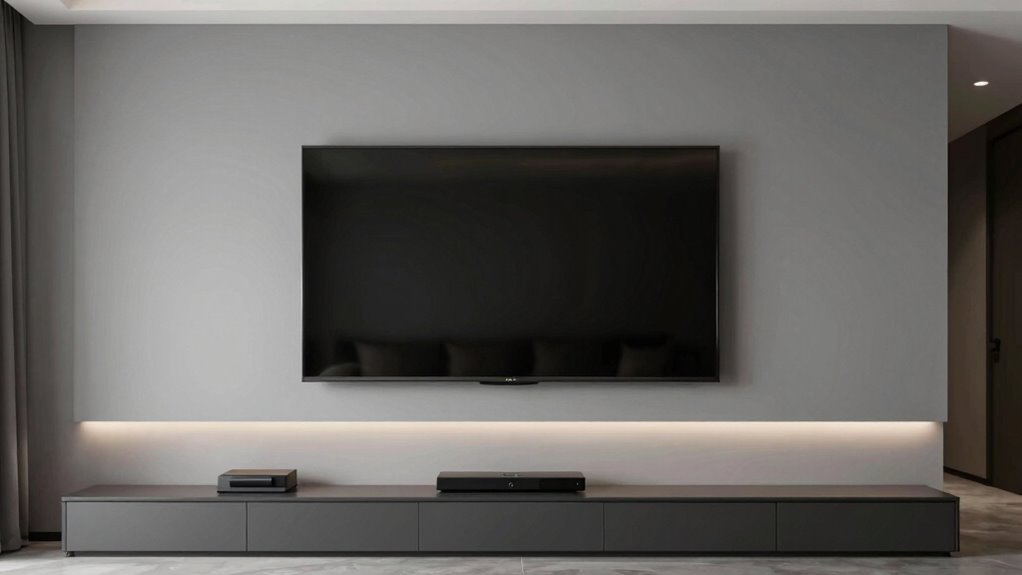

To hide your TV wires without a construction project, use in-wall cable management kits designed for easy installation. These kits let you run cables inside the wall through existing openings, keeping cords out of sight and maintaining a sleek look. You can also attach wireless streaming devices to reduce cable clutter. Properly locating wall studs and using cable covers or conduits can further tidy up your setup. Keep exploring to discover more simple, effective ways to achieve a clean, modern TV wall.
Key Takeaways
- Use in-wall cable management kits to conceal wires and maintain a clean look.
- Route cables through the wall, avoiding drywall damage by locating studs first.
- Opt for wireless streaming devices to reduce cable clutter altogether.
- Install a fixed or full-motion wall mount for a sleek, secure setup.
- Use cable concealers or raceways on the wall surface for an easy, non-invasive solution.
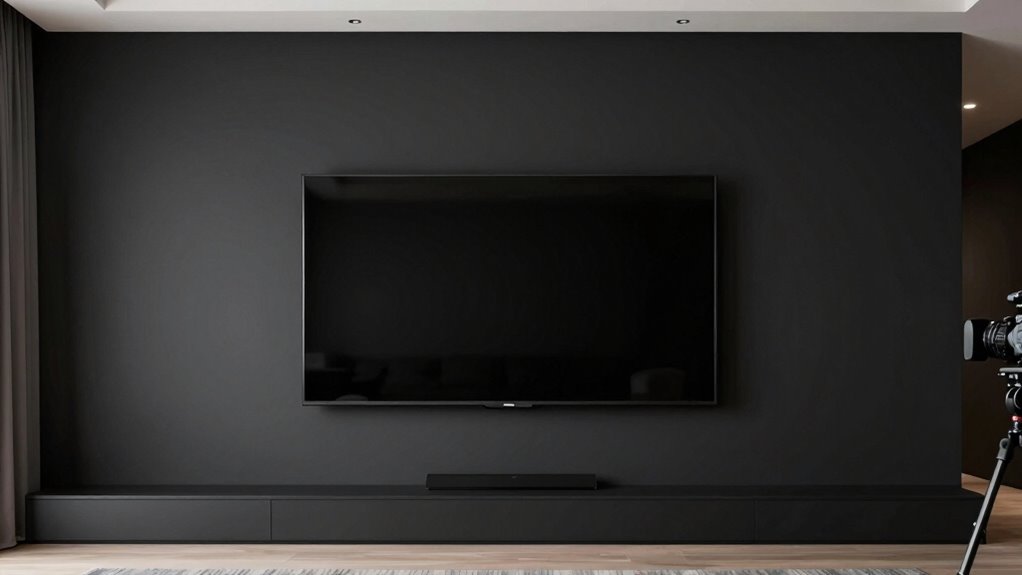
Setting up a TV wall can dramatically enhance your viewing experience and free up space in your room. When you decide to mount your TV, you’re not just saving surface area; you’re creating a sleek, modern look that makes your entertainment setup stand out. To make the most of this setup, consider how wireless streaming can simplify your setup by reducing the need for bulky cables. With wireless streaming devices, you can connect your smart TV to your internet and stream content directly without cluttering your wall with wires. This not only keeps your space tidy but also makes it easier to switch between different streaming services or devices.
Choosing the right wall mount options is vital for a clean, professional look. There are various mounts available, from fixed mounts that keep your TV flush against the wall to full-motion mounts that let you tilt or swivel your screen for the perfect viewing angle. When selecting a wall mount, guarantee it’s compatible with your TV’s size and weight. You’ll want a sturdy, reliable mount that securely anchors into wall studs for maximum safety. Once you’ve chosen the appropriate mount, installing it becomes straightforward, especially if you follow the manufacturer’s instructions carefully.
Select a sturdy, compatible wall mount for a sleek, secure TV setup.
The beauty of wall mounting is that it allows you to hide wires effectively. You can route power cords and HDMI cables through the wall using in-wall cable management kits, which keep everything concealed behind the wall. This process does require some basic tools and careful planning, but it’s well worth the effort for a clutter-free look. Before drilling, locate the studs in your wall to avoid damaging wiring or drywall; this step guarantees your mount is secure and safe.
In addition, choosing energy-efficient and secure cloud solutions can help in managing your smart home and entertainment devices more effectively, providing a more integrated and sustainable setup. To further streamline your setup, consider using wireless streaming devices like Chromecast, Roku, or Apple TV. These gadgets connect to your Wi-Fi network, enabling you to access your favorite streaming apps without additional cables running across your wall. Pairing these devices with your mounted TV creates a sleek, modern entertainment hub. Plus, with the added flexibility of wireless streaming, you can move your device easily or upgrade without fussing over new wiring.
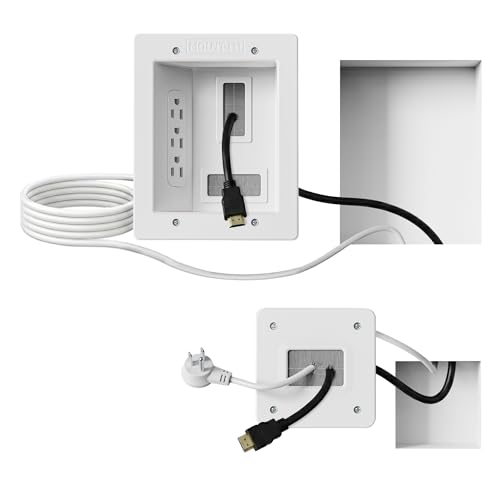
Mount-It! in-Wall TV Cable Concealer Kit with Recessed Power – Triple Outlet, 9ft Cord, and Hand Saw – Easy, Safe Cable Management for Organized TV and Home Theater Setups
Organized home theater setup – Eliminate messy wires and give your entertainment area a clean, modern look. This…
As an affiliate, we earn on qualifying purchases.
As an affiliate, we earn on qualifying purchases.
Frequently Asked Questions
Can I Install a TV Wall on Drywall Alone?
Yes, you can install a TV wall on drywall alone if you choose the right mounting options that suit your drywall’s strength. Use heavy-duty anchors or toggle bolts designed for drywall to support the weight. Make sure to locate studs for added stability, especially for larger TVs. Properly anchoring your mount guarantees your TV stays secure without needing to reinforce the wall structurally.
What Tools Are Needed for Hiding Wires?
To hide your wires effectively, you’ll need tools like a drill, screwdriver, and possibly a stud finder. Use cable organizers to keep cords tidy and wire concealers to conceal the wires along the wall. These tools help you create a clean, professional look without extensive construction. Make sure to measure carefully before installation, and secure the wire concealers firmly to prevent any sagging or movement over time.
How Do I Choose the Best Cable Management System?
To choose the best cable management system, consider your wiring concealment needs and the type of walls you have. Look for wiring solutions that suit your TV’s size and location, such as raceway channels or in-wall conduits. make certain the system is easy to install and discreet, blending seamlessly with your decor. Picking a durable, flexible option will keep your setup tidy and accessible, making wire hiding simple without a major renovation.
Are There Wireless Options to Connect My Devices?
Ever thought about going wireless for your devices? Yes, you can easily connect your gadgets using wireless streaming or Bluetooth connections, eliminating the clutter of cords. Wireless options are perfect for streaming content directly to your TV or connecting speakers without hassle. They’re user-friendly and save you from complex wiring. So, why not enjoy a cleaner, more organized setup by embracing these modern, wireless solutions?
How Do I Prevent Future Wire Clutter?
To prevent future wire clutter, focus on cord concealment and wire organization. Use cable clips or adhesive cable holders to keep cords tidy along walls or furniture. Invest in a cable management box to hide power strips and excess cords. Regularly check and adjust your wiring setup to avoid tangles. Implementing these simple steps guarantees your space remains neat, functional, and free from unsightly cable messes.

Roku Streaming Stick HD — HD Streaming Device for TV with Roku Voice Remote, Free & Live TV
HD streaming made simple: With America’s TV streaming platform, exploring popular apps—plus tons of free movies, shows, and…
As an affiliate, we earn on qualifying purchases.
As an affiliate, we earn on qualifying purchases.
Conclusion
With a little creativity, you can make your TV wall look sleek and clutter-free without turning your space into a construction zone. By hiding wires effectively, you create a seamless entertainment haven where technology and style dance in harmony. Think of it as giving your living room a fresh coat of paint—transforming chaos into calm. So, take charge and turn your TV wall into a stunning focal point that invites relaxation and admiration every time you walk in.

Full Motion TV Wall Mount for Most 37"-84" Flat Screen TV, Swivel or Tilt TV Wall Bracket with Dual Articulating Arms, for 12"-16" Wood Studs, Max VESA 600x400mm, Load 120 lbs by USX MOUNT
✅【UNIVERSAL TV MOUNT】This TV wall mounts for 37"-84" flat screen TVs up to 16" wood studs, weight capacity…
As an affiliate, we earn on qualifying purchases.
As an affiliate, we earn on qualifying purchases.

Delamu Cord Hider, 157in Wire Covers for Cords on Wall, Premium Cable Hider Cord Covers for Wires, Cable Management Wire Hiders for TV, Cable Raceway Kit, W0.95 H0.55in, White
Passing the UL94 V-0 Rating test, a plastics flammability standard released by Underwriters Laboratories of the United States,…
As an affiliate, we earn on qualifying purchases.
As an affiliate, we earn on qualifying purchases.