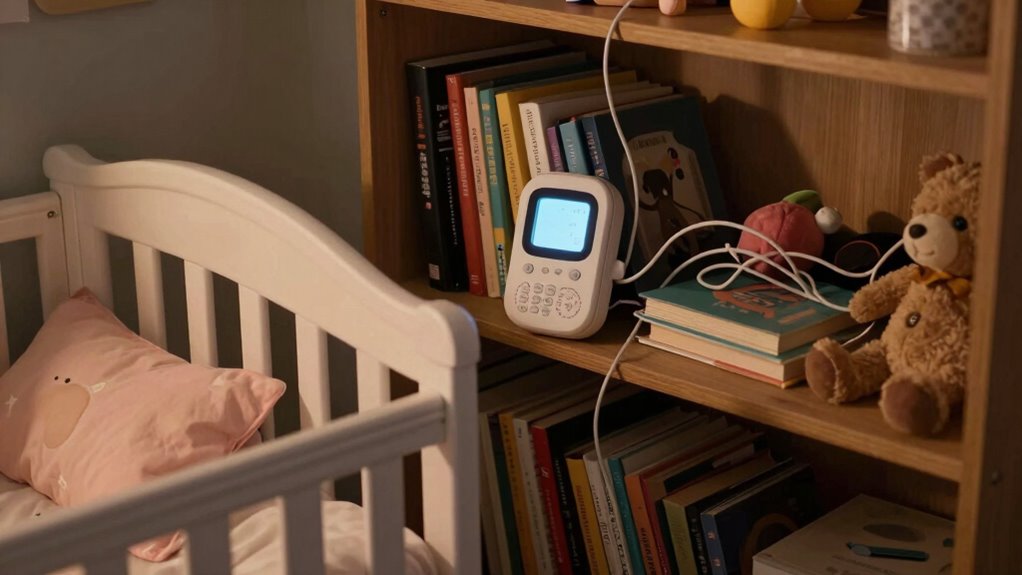

Placing your baby monitor on soft surfaces like beds or cushions blocks ventilation and increases overheating risks, which can damage the device or cause safety hazards. Keeping it within reach or in enclosed spaces can lead to damage or choking risks if the device or its cords are tampered with. Following proper placement guidelines helps prevent overheating and extends the monitor’s life. If you keep these tips in mind, you’ll find out more ways to guarantee safe, effective use.

Get the little things that make your day delivered free with Prime
- Fast, free delivery on millions of items
- Prime Video, Amazon Music and more included
- Member-only deals all year
Key Takeaways
- Placing the monitor on soft surfaces like beds or cushions blocks ventilation, risking overheating and battery damage.
- Keeping the monitor within the baby’s reach increases choking hazards and potential damage to the device.
- Attaching the monitor near electrical outlets or cords can cause electrical hazards or accidental disconnection.
- Positioning the monitor behind curtains or in enclosed spaces restricts airflow, leading to overheating.
- Placing the monitor in cluttered or unstable areas increases risk of falls or accidental damage.
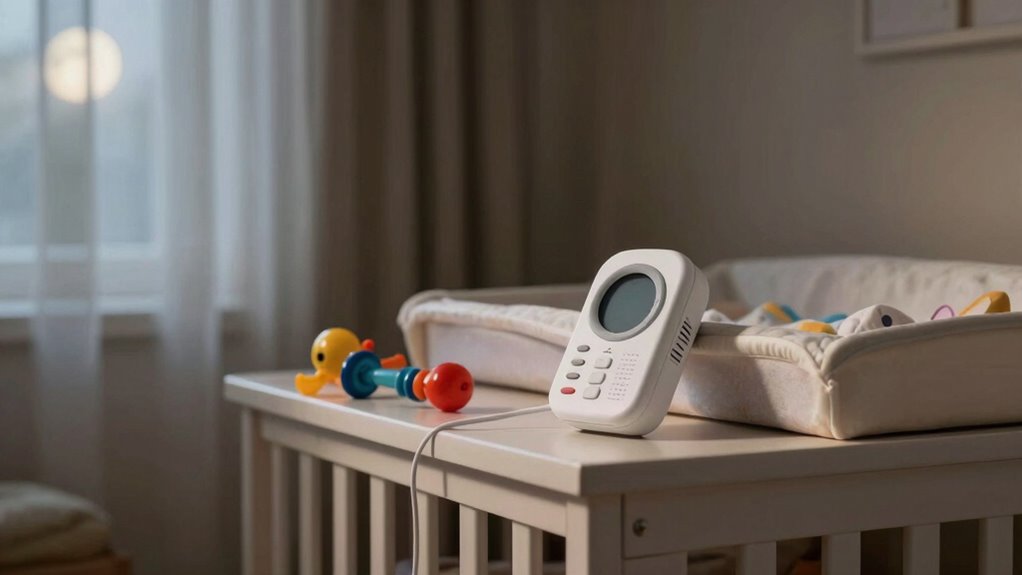
Battery safety is another essential aspect to consider when placing your baby monitor. Many parents overlook the importance of choosing a spot that prevents the device from overheating or falling. Avoid placing the monitor on soft surfaces like beds or cushions, as these can block ventilation and cause the battery to overheat. Also, keep the monitor out of reach of your baby to prevent accidental damage or choking hazards if the device has small parts or a loose battery cover. Always follow the manufacturer’s instructions regarding charging and placement to guarantee the battery remains safe and functional. If your monitor uses batteries, check regularly for signs of swelling or leakage, and replace them promptly. If it’s rechargeable, ensure it’s charged in a well-ventilated area and not left charging unattended for extended periods. To ensure your device operates safely, be aware of battery safety precautions and how to prevent potential hazards. Proper battery maintenance can help extend the lifespan of your monitor and reduce safety risks. Additionally, keeping the device in a well-ventilated area helps prevent overheating and prolongs its lifespan. Regularly inspecting the device and understanding safe placement practices can further reduce risks associated with battery overheating. Moreover, understanding manufacturer guidelines can help ensure optimal safety and performance of your baby monitor.
As an affiliate, we earn on qualifying purchases.
Frequently Asked Questions
Can Placing a Monitor Near Windows Affect Its Performance?
Placing a monitor near windows can affect its performance because window reflections and signal interference are common issues. Reflections can cause distorted images or false alerts, while signals may weaken or drop due to interference from glass and outside signals. To guarantee clear video and audio, keep your monitor away from windows, especially those facing busy streets or with reflective surfaces, and position it in a central spot inside your home.
Is It Safe to Hide the Monitor Behind Furniture?
Sure, hiding your baby monitor behind furniture might seem clever—until you realize it’s just furniture interference in disguise. It’s not safe because the hidden placement blocks signals, making it harder to hear or see your baby clearly. Instead, keep it in a spot with a clear line of sight, away from walls or thick furniture. This guarantees you stay connected and your baby stays safe, no secret hiding spots needed.
How Close Is Too Close to the Baby’s Crib?
You should keep the monitor at a safe distance from your baby’s crib, ideally at least 3 feet away, to guarantee proper crib safety. Placing it too close can pose risks like strangulation or suffocation if cords are accessible. Adjust the monitor height so it’s secure and out of reach, avoiding any hanging cords or loose parts that could become hazards. Always prioritize safe placement for your baby’s well-being.
Should Monitors Be Plugged Into Extension Cords?
They say “better safe than sorry,” and that’s true for monitor placement, especially regarding cord safety. You shouldn’t plug monitors into extension cords, as they can increase electrical hazards. Instead, keep cords out of your baby’s reach and use outlets directly. This reduces the risk of choking, strangulation, or electrical accidents. Always prioritize safe placement to guarantee your little one’s safety and peace of mind.
Can Bright Lights Interfere With the Monitor’s Signal?
Bright lights, like night lights or electronic toys, can interfere with your baby monitor’s signal. They might cause static or signal loss, making it harder to hear or see your baby clearly. To avoid this, place the monitor away from bright lights and electronic devices. Keep the area dim and free from interference, ensuring you get a reliable connection so you can always monitor your little one effectively.
Conclusion
So, next time you set up your baby monitor, ask yourself: are you placing it in the safest spot for your little one’s well-being? Avoid the common pitfalls, like placing it too close to cribs or in areas where it could fall or be knocked over. Remember, a secure and thoughtful placement guarantees you stay connected without risking safety. After all, isn’t peace of mind what every parent truly deserves?
Halloween Picks
halloween
As an affiliate, we earn on qualifying purchases.