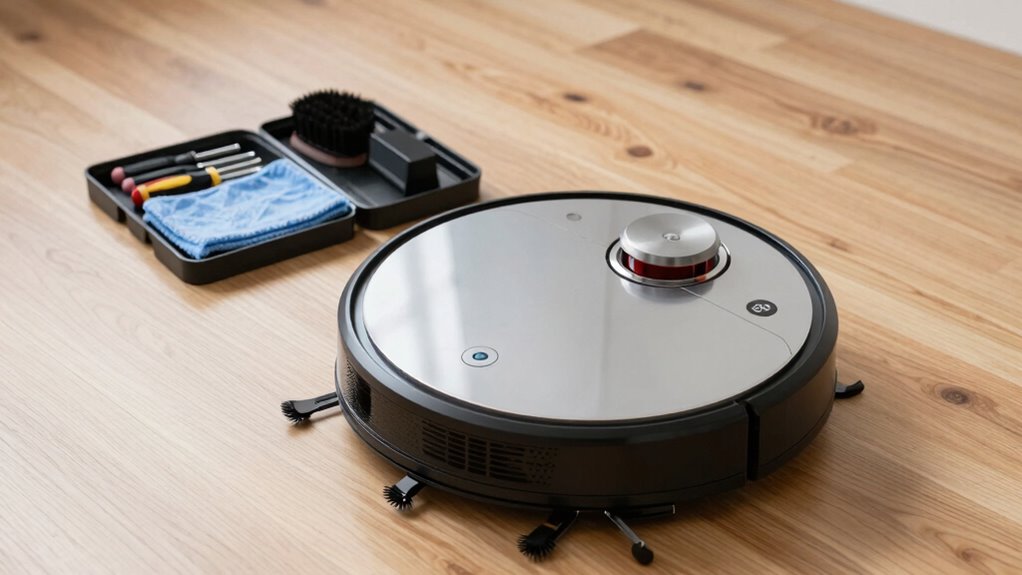

In just 10 minutes, you can boost your robot vacuum’s performance by inspecting and cleaning key components. Start by checking and replacing or cleaning the filter, then clear any hair or debris from the brush rollers. Make sure charging contacts are free of dust and that the dock is unobstructed. Proper maintenance keeps suction strong and extends your vacuum’s lifespan. Stick with this routine regularly, and you’ll discover simple tips to keep your device running at its best.
Key Takeaways
- Regularly clean and replace filters to maintain airflow and suction power.
- Inspect and clear brush rollers of hair and debris to ensure smooth operation.
- Ensure charging contacts and dock are free of dust for optimal charging efficiency.
- Check battery health and recharge fully before each use to prevent capacity loss.
- Perform routine visual inspections of filters, brushes, and contacts to catch issues early.
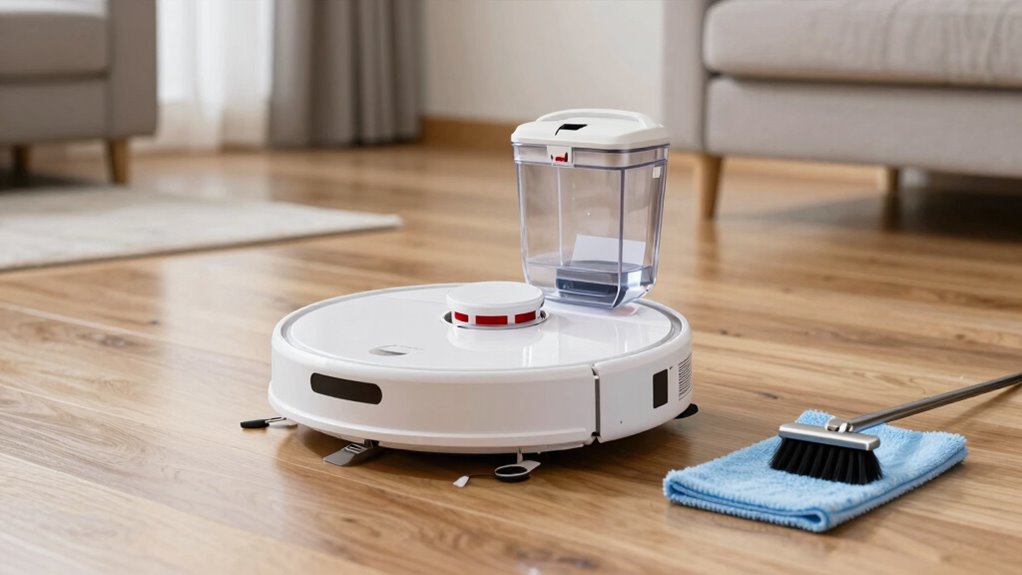
Maintaining your robot vacuum is essential to guarantee it works efficiently and lasts longer. One of the key aspects of ongoing maintenance is ensuring optimal battery life. Over time, batteries can lose their capacity, causing your vacuum to run less effectively or for shorter periods. To prevent this, always follow the manufacturer’s guidelines for charging. Avoid letting the battery completely drain before recharging, as deep discharges can shorten its lifespan. Instead, keep the battery charged regularly, ideally before it hits a low level. When you notice a decline in runtime, consider replacing the battery if it’s user-replaceable, or consult a professional if needed. Proper charging habits significantly extend the overall battery life, ensuring your robot vacuum is always ready to tackle dirt and debris. Additionally, storing your vacuum in a cool, dry place when not in use can help preserve battery health over time.
Another crucial step in your maintenance routine is filter replacement. The filter plays a vital role in trapping dust, allergens, and debris, maintaining air quality and ensuring your vacuum performs optimally. Over time, filters become clogged with dirt, reducing suction power and decreasing cleaning efficiency. Regularly check the filter for signs of wear or buildup—if it appears dirty or clogged, it’s time for a replacement. Most manufacturers recommend replacing filters every few months, but this can vary depending on usage and environment. Using high-quality replacement filters specifically designed for your model will help maintain strong suction and improve overall performance. Don’t forget, a clean filter not only boosts cleaning effectiveness but also prevents motor strain, which can extend the life of your vacuum’s internal components. Incorporating proper filter maintenance into your routine can make a significant difference in long-term performance.
In addition to checking the battery and filter, ensure you clean the brush rollers and remove any hair or debris wrapped around them. This simple step prevents motor strain and keeps the vacuum operating smoothly. Regularly inspecting and clearing the brushes, filters, and charging contacts ensures that all components work harmoniously. Also, make sure the charging dock and contacts are free of dust or obstructions, allowing for proper charging and optimal battery health. By dedicating just a few minutes to these routine checks—especially focusing on battery care and filter replacement—you’ll significantly enhance your robot vacuum’s performance. This proactive approach minimizes breakdowns, maintains strong suction, and ensures your device continues to keep your home clean effectively. Consistently sticking to these simple maintenance steps will save you time and money, and ultimately, keep your robot vacuum running at peak efficiency for years to come.
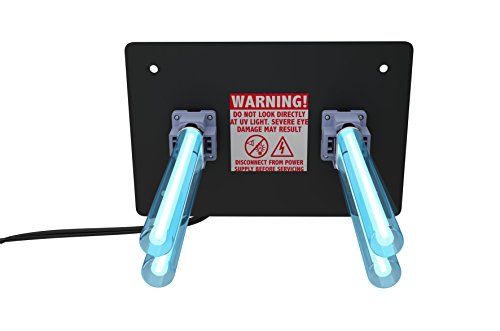
REKO Lighting R2000 Air Purifier Whole House Uv uvc Light in Duct for HVAC Ac (Air Conditioning) Duct
UV-C light system - Bulbs are made in Europe!
As an affiliate, we earn on qualifying purchases.
Frequently Asked Questions
How Often Should I Replace My Robot Vacuum’s Filters?
You should replace your robot vacuum’s filters every 2 to 3 months to maintain ideal performance. Incorporate filter replacement into your maintenance schedule to prevent dust buildup and guarantee efficient cleaning. Regular filter changes help your vacuum run smoothly and extend its lifespan. Keep an eye on the filters for signs of wear or clogging, and don’t wait too long—timely maintenance keeps your device in top shape.
Can I Use Regular Cleaning Products on My Robot Vacuum?
You shouldn’t use regular cleaning products on your robot vacuum, as they can damage sensitive parts and interfere with its cleaning schedule. Instead, use a damp cloth or manufacturer-recommended cleaners. Proper maintenance helps extend your vacuum’s battery lifespan and keeps it running efficiently. Regularly cleaning and following the right cleaning schedule ensures peak performance and prevents buildup of debris that could harm the internal components.
What’s the Best Way to Troubleshoot if It Won’T Start?
Start by checking the power source, then verify the robot vacuum is properly charged, reset it if necessary, and confirm the cleaning schedule is active. For robot vacuum troubleshooting, examine the sensors and brushes for obstructions, update the firmware, and confirm the app connection. If starting issues persist, consult the user manual or contact customer support. Staying proactive with these steps helps resolve starting issues quickly and keeps your vacuum performing at its best.
How Do I Reset My Robot Vacuum to Factory Settings?
To perform a factory reset on your robot vacuum, press and hold the reset button or a specific combination of buttons, usually found on the device or in its app. This resets the vacuum to its original settings and restores default configurations. After the reset, you’ll need to reconfigure your preferences, as this process restores the device to factory settings and clears saved data. Check your user manual for precise instructions.
Is It Safe to Leave My Robot Vacuum Charging Overnight?
Like a modern knight leaving his armor, you might wonder if it’s safe to leave your robot vacuum charging overnight. Rest assured, most models have built-in battery safety features and charging tips that prevent overcharging or damage. However, it’s best to verify your manufacturer’s advice and ensure the charging station is in a well-ventilated area. This way, your robot stays safe, and its battery remains healthy and efficient.

APCO Carbon Cell Matrix HVAC UV Air Purifier with Power Cord, Includes 1-Year UVC Lamp (18-32 VAC Series) # TUV-APCO-ER
FOR FURNACE AND AIR HANDLERS: Helps you neturalize airborne allergens, bacteria, VOCs all without chemicals. Whole-house air purification...
As an affiliate, we earn on qualifying purchases.
Conclusion
So, there you have it—just ten minutes a day keeps your robot vacuum running like new, or at least pretending to. Who knew that a tiny bit of effort could turn your lazy cleaning buddy into a tireless workhorse? Skip this routine, and prepare for endless clogs and squeaks. But hey, if you enjoy the thrill of surprise breakdowns, feel free to ignore these tips. Otherwise, give your robot the TLC it secretly craves!

TURBRO 72W UV Sanitizer Lamp with Energy Saving Airflow Sensor, Ozone Free Ultraviolet Light, Air Purifier for HVAC Units and Ducted Systems, Direct Plug-in 120V, UV72PA
Zero-Ozone UV Light: Rated at 72 W for stronger UV disinfection than standard 6-25W lamps; operates at instant...
As an affiliate, we earn on qualifying purchases.

VEVOR HVAC Air Purifier Whole House, 18W 9inch, Light in Duct for Ac (Air Conditioning) Duct, Air Scrubber with 2 Bulb, PCO Technology HVAC Lights with Power Cord for Ac Systems
Efficient Air Purification: The 18W 9inch HVAC Duct Purifier combines three powerful purification technologies: photocatalysis, and activated carbon,...
As an affiliate, we earn on qualifying purchases.