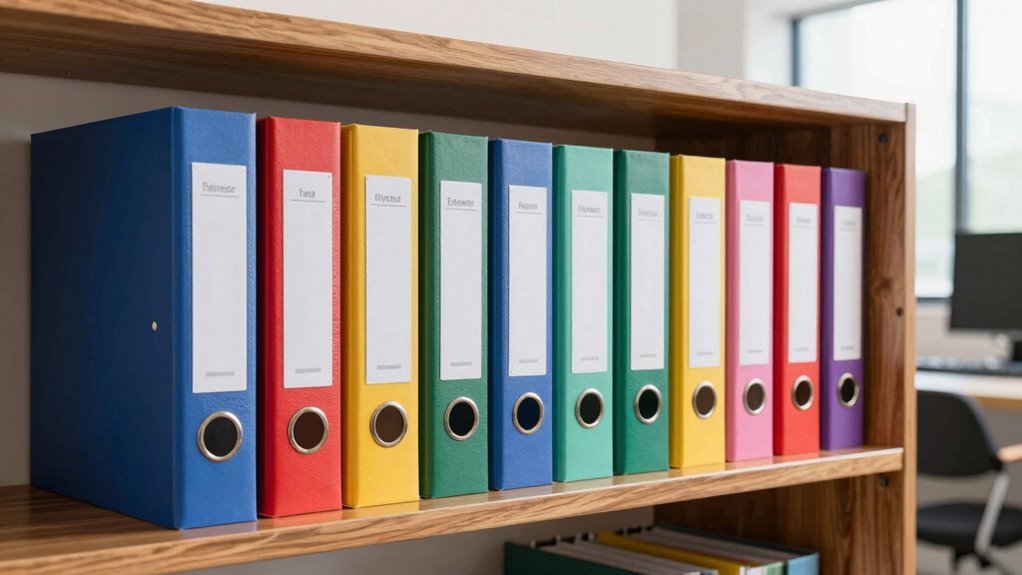

To prevent chaos with document scanning, create a clear and logical folder system. Organize files by categories like project, date, or client, and label each folder thoughtfully for quick identification. Converting physical papers into high-quality digital images helps keep everything tidy. Use consistent naming conventions and store files either on your computer or in the cloud for easy access from any device. Keep your system organized, and you’ll find files faster—exploring this approach further can streamline your workflow even more.
Key Takeaways
- Establish a clear, hierarchical folder structure based on projects, dates, or clients for easy navigation.
- Use consistent and descriptive labels for folders and files to prevent confusion.
- Digitize physical documents with high-quality images to facilitate organized storage and retrieval.
- Implement cloud storage for automatic backups and real-time access across devices.
- Apply standardized procedures and naming conventions to maintain organization and reduce clutter.
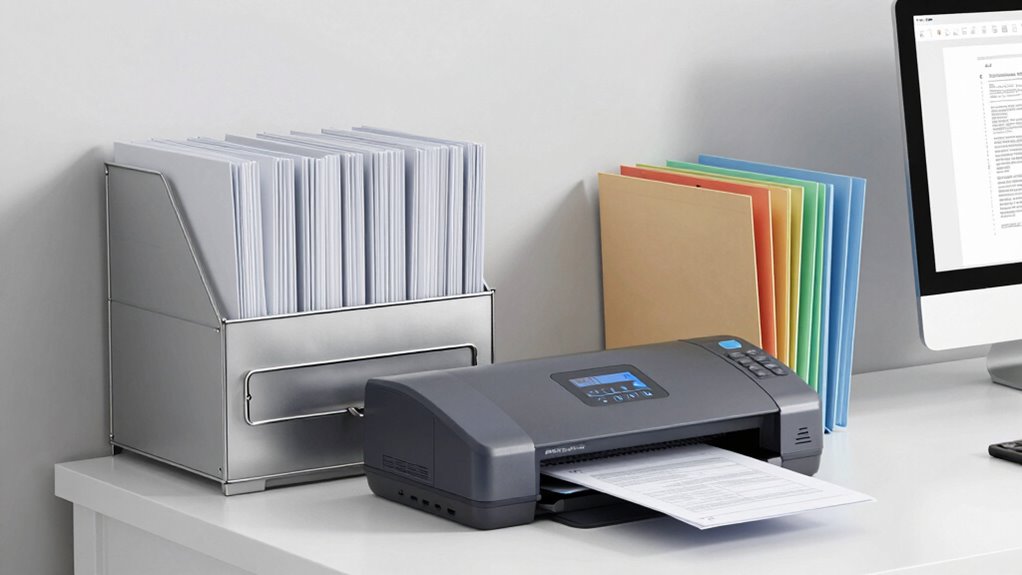
Have you ever struggled to find an important paper buried in a cluttered drawer? It’s frustrating and time-consuming, especially when deadlines are looming. That’s where document scanning comes in, transforming your physical files into digital copies and creating an organized, easily accessible system. Digital archiving allows you to store all your documents securely in one place, making retrieval quick and effortless. Instead of rifling through piles of paper, you can search for a file by name or keyword, saving you valuable time. Plus, with cloud storage, you can access your scanned documents from anywhere—at your desk, on the go, or even from your phone—without lugging around heavy folders or risking losing paper copies.
Digitize and organize your files for quick access anytime, anywhere, with secure cloud storage and easy search options.
When you adopt digital archiving, you’re fundamentally building a folder system that prevents chaos. Instead of haphazardly tossing papers into drawers, you categorize and label your files thoughtfully. You might create folders by project, date, or client, ensuring everything has a designated spot. This structure makes it easy to find what you need without digging through stacks. Document scanning makes this process seamless because you convert physical papers into high-quality digital images. Once scanned, you can organize these files into your chosen folder system on your computer or cloud storage platform. This way, your documents stay tidy and accessible, no matter how many files you accumulate. Implementing a digital storage system enhances your overall workflow and keeps your workspace clutter-free. Incorporating systems thinking principles into your organization strategy can further improve efficiency and reduce redundant effort. Additionally, adopting digital workflows can automate routine tasks, saving even more time and effort. Recognizing the importance of standardized procedures can also help maintain consistency across your digital files.
Using cloud storage as part of your document management strategy takes your organization even further. Cloud platforms not only back up your files automatically, protecting you from loss due to hardware failure or accidents, but they also enable collaboration. If you work with a team, everyone can access and edit the same documents in real time. Plus, cloud storage services often come with search features that scan your scanned documents for keywords, further speeding up your workflow. This setup is especially useful if you handle large volumes of paperwork and need to keep everything synchronized across devices. Moreover, understanding the importance of security and encryption can help you safeguard sensitive information stored digitally.

Epson Perfection V19 II Color Photo, Tax Receipt & Document Flatbed Scanner with 4800 dpi Optical Resolution USB Power, High-Rise, Removable Lid
Amazing image clarity and detail — 4800 dpi optical resolution (1), ideal for photo enlargements
As an affiliate, we earn on qualifying purchases.
As an affiliate, we earn on qualifying purchases.
Frequently Asked Questions
How Secure Is Digital Document Storage Against Hacking?
Digital document storage can be quite secure if you implement strong cybersecurity measures. You should use advanced encryption protocols to protect sensitive data from cyber threats. Keep your software updated, use strong, unique passwords, and enable two-factor authentication. While no system is entirely invulnerable, staying vigilant and applying these security practices markedly reduces the risk of hacking, giving you peace of mind that your documents are well-protected.
What Are the Best Tools for Automatic Document Sorting?
You need the best tools for automatic document sorting, and they’re a game-changer! Tools like Adobe Acrobat Pro, M-Files, and Evernote excel in automatic sorting and tagging accuracy, transforming chaos into order effortlessly. They use AI to categorize files smartly, saving you time and frustration. These tools guarantee your documents are always organized, making your workflow smooth and efficient—like having a digital assistant that never sleeps!
How Often Should Digital Folders Be Backed Up?
You should back up your digital folders regularly, ideally weekly or bi-weekly, to prevent data loss. Keep your file naming consistent and your folder hierarchy organized to make backups easier. This guarantees you can quickly locate files when restoring. Automate backups if possible, so your digital folders stay protected without extra effort, reducing the risk of losing important documents and keeping your system efficient.
Can Folder Systems Be Integrated With Cloud Storage?
Think of your folder hierarchy as a well-organized library, effortlessly connected to the cloud. Yes, you can integrate folder systems with cloud storage, making access seamless across devices. Tagging systems enhance this by adding metadata, helping you find files faster. This integration prevents chaos, like a librarian knowing exactly where every book is, ensuring your digital workspace stays tidy and efficient.
What Is the Environmental Impact of Digital Versus Paper Storage?
Digital storage has a lower environmental impact compared to paper storage, especially when you adopt eco-friendly practices. By reducing paper use and recycling paper when necessary, you help cut down deforestation and waste. Digital files save space and energy, especially if you use energy-efficient devices. Embracing digital over paper minimizes carbon footprints, supports sustainability, and promotes responsible resource use, making your document management more environmentally friendly.
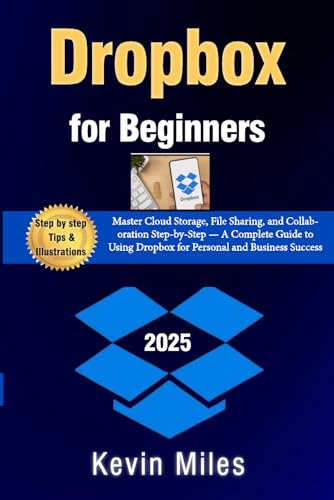
Dropbox for Beginners:: Master Cloud Storage, File Sharing, and Collaboration Step-by-Step — A Complete Guide to Using Dropbox for Personal and Business Success
As an affiliate, we earn on qualifying purchases.
As an affiliate, we earn on qualifying purchases.
Conclusion
By implementing an organized folder system for your document scanning, you’ll save time and reduce stress. Did you know that 80% of people lose important documents because of poor filing? Taking a few minutes to set up a clear, logical folder structure can prevent chaos and keep your files accessible. Stay consistent, and you’ll find it easier to locate what you need when you need it—making your digital workspace more efficient and stress-free.
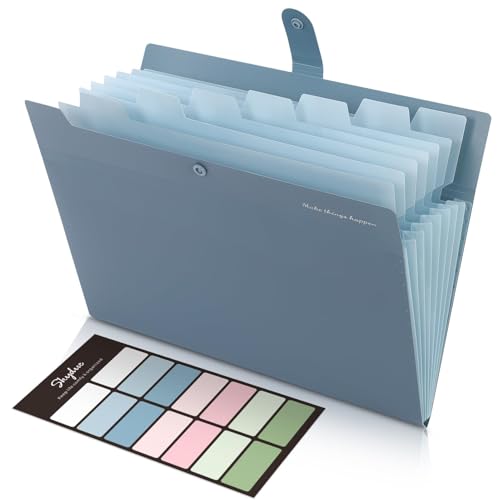
SKYDUE Expanding File Organizer with 8 Pockets, Accordion File Folders with Labels, Portable Document Paper Bill Receipt Organizer, Home College School Office Supplies, Letter Size, Blue
Size: 13 x 10 x 0.7 inches. Fits A4 and letter-size paper, standard documents and filing needs.
As an affiliate, we earn on qualifying purchases.
As an affiliate, we earn on qualifying purchases.

Nelko Label Maker Machine with Tape, P21 Bluetooth Label Printer, Wireless Mini Label Makers with Multiple Templates for School Office Home, White
2026 New Version: Compared with traditional label makers, Nelko P21 label maker has half the weight and size,…
As an affiliate, we earn on qualifying purchases.
As an affiliate, we earn on qualifying purchases.