If your robot vacuum isn’t cleaning corners, start by updating its firmware and app to prevent mapping errors. Clear clutter and confirm sensors are clean and calibrated for better detection. Make certain the area is open and free of obstacles during initial mapping, and verify your Wi-Fi connection is strong for updates. Reconnecting the device can fix glitches, and replacing old batteries improves navigation. Learn more about fine-tuning your vacuum’s performance to get those tricky corners perfectly cleaned.

Get the little things that make your day delivered free with Prime
- Fast, free delivery on millions of items
- Prime Video, Amazon Music and more included
- Member-only deals all year
Key Takeaways
- Ensure sensors and cameras are clean and calibrated for accurate corner detection.
- Reconnect and update the robot’s firmware and app to fix mapping errors near corners.
- Clear clutter and obstacles around corners to improve navigation and mapping accuracy.
- Verify strong Wi-Fi connection for seamless communication and environment updates.
- Perform sensor calibration routines and re-map areas after rearranging furniture or environment changes.
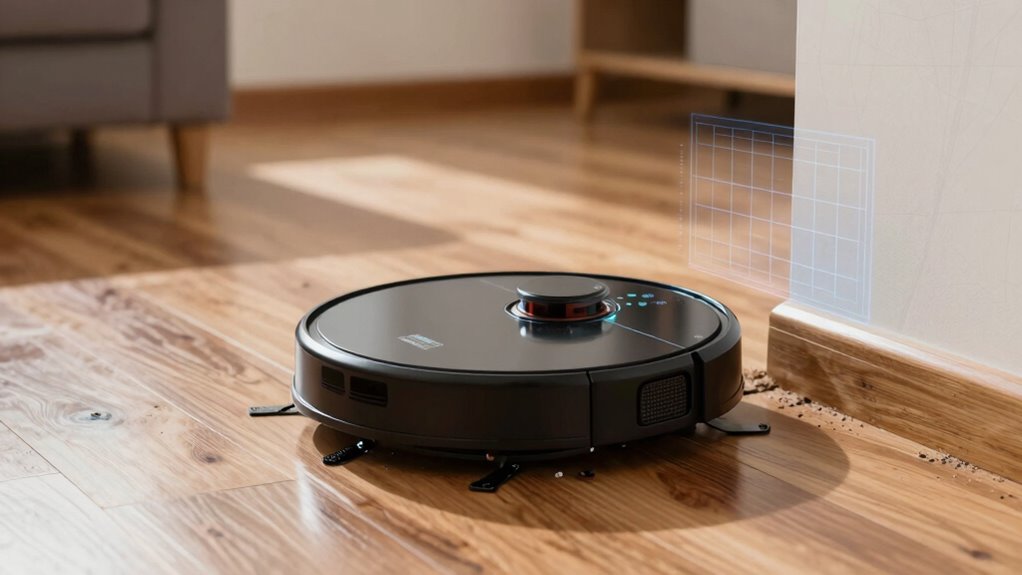
If your robot vacuum isn’t mapping your space accurately, it can be frustrating, but there’s often a simple fix. Many times, the issue boils down to how your device interacts with your smart home integration or how well it’s maintaining its battery. First, verify your robot’s mapping capabilities are set up correctly within your smart home system. Sometimes, updates or misconfigurations can cause mapping errors, especially around corners or tight spaces. Double-check that your app and firmware are current, as manufacturers often release updates that improve mapping precision. Reconnecting your device to your smart home ecosystem can also help resolve glitches, guaranteeing your robot has the latest commands and map data.
Next, evaluate the robot’s battery maintenance. If the battery isn’t functioning efficiently, your vacuum might not complete its mapping or cleaning routines properly. A low or aging battery can cause the robot to halt prematurely, leaving corners uncleaned and maps incomplete. Make sure the battery is charged fully before starting a cleaning cycle, and consider replacing it if it no longer holds a good charge. Proper battery care guarantees your vacuum has the power needed to navigate complex spaces thoroughly. Additionally, avoid using the device in environments with extreme temperatures, as this can affect battery performance and, consequently, mapping accuracy. Ensuring your battery health is good can significantly impact its ability to complete thorough mappings. Regularly checking your device’s sensor calibration can also help maintain mapping accuracy over time, especially if you notice inconsistencies.
In terms of physical setup, clear the area of obstacles that could interfere with navigation. Small objects, cables, or clutter near corners can confuse the sensors, leading to poor mapping in those areas. Regularly clean the sensors and cameras on your robot, as dirt or dust can impair its ability to detect walls and corners efficiently. When your vacuum updates its map, it’s vital to place it in an open, unobstructed space to allow for better initial mapping. This process helps the robot learn your layout more precisely, especially if you’ve recently rearranged furniture. Also, consider that mapping accuracy can be affected by how well your robot’s sensors are calibrated, so performing a calibration routine can sometimes improve results. To further enhance mapping precision, ensure your Wi-Fi network is strong and stable, as poor connectivity can hinder communication and updates. Ensuring your Wi-Fi network is strong and stable can also prevent communication issues that impact map updates and navigation.
Finally, consider how your smart home setup influences the mapping process. Some devices work better when integrated smoothly, so ensure your Wi-Fi connection is strong and stable. A weak signal can disrupt communication and updates, resulting in incomplete or inaccurate maps. By paying attention to these details—smart home integration, battery maintenance, and physical setup—you can drastically improve your robot vacuum’s ability to clean corners effectively. With a few adjustments, your device will map your space more precisely, leading to better cleaning performance and less manual intervention.
robot vacuum corner cleaning brushes
As an affiliate, we earn on qualifying purchases.
As an affiliate, we earn on qualifying purchases.
Frequently Asked Questions
How Often Should I Reset My Robot Vacuum’s Mapping?
You should reset your robot vacuum’s mapping every few months or when you notice it struggling to clean corners effectively. Regularly updating the map helps maintain a good cleaning schedule, especially if your home layout changes. Also, perform resets to optimize battery maintenance and guarantee the vacuum adapts to new obstacles. Frequent resets keep the device working efficiently, preventing missed spots and prolonging its lifespan.
Can Multiple Maps Cause Cleaning Issues?
Did you know that nearly 40% of robot vacuum users experience cleaning issues due to multiple maps? Multiple maps can cause problems with mapping accuracy and obstacle detection, leading to missed spots or repeated cleaning in the same area. If your vacuum’s switching between maps, it might not identify obstacles correctly or clean corners thoroughly. To fix this, delete redundant maps and keep only the current one to guarantee peak performance.
Does Carpet Type Affect Corner Cleaning?
Yes, carpet type can affect corner cleaning because carpet compatibility varies among robot vacuums. Thicker, plush carpets may hinder the vacuum’s ability to reach right into corners due to corner sensitivity issues. If your vacuum struggles on certain carpets, consider one designed for diverse surfaces or with adjustable suction. This guarantees better corner cleaning, especially on carpets that challenge the robot’s ability to get into tight spots.
How Long Does It Take for the Map to Update?
Mapping updates typically take around 1 to 3 cleaning cycles, depending on your robot vacuum’s model. Notably, a study shows that most devices improve mapping accuracy after just two runs. During this time, obstacle detection sensors gather data to refine the map. Be patient, as thorough obstacle detection and accurate mapping ensure your robot cleans corners effectively. Regularly resetting or updating the map also speeds up this process.
Are There Specific Brands Better at Corner Mapping?
Yes, some brands excel at corner detection and mapping accuracy. Roborock and iRobot’s Roomba series are known for their advanced sensors and smart navigation, making them better at cleaning corners. These vacuums use laser or camera-based mapping, improving their ability to detect edges and enhance overall corner cleaning. Investing in models with superior mapping technology guarantees your robot vacuum consistently cleans corners effectively, saving you time and effort.
Conclusion
If your robot vacuum isn’t cleaning corners properly, try recalibrating its mapping system. Some experts believe that updating the firmware or resetting the device can improve its corner detection. While it might seem like a simple fix, recent studies suggest that advanced mapping algorithms actually help vacuums better navigate tight spaces. So, don’t overlook these small tweaks—they could be the key to finally getting those tricky edges spotless. Give it a shot and enjoy a cleaner home!
Halloween Picks
halloween
As an affiliate, we earn on qualifying purchases.